
Nano Banana
- Starts from
- A sentence
- Price
- 30 Gems (22 Gems with Pro)
By Google. In AI Artist it is called Nano Banana.
Nano Banana Pro makes images from a sentence. Use it on iPhone in the AI Artist app.
Last modified: · Models and prices as in the app on

Each one shows the prompt that made it, exactly as it was typed into the app.
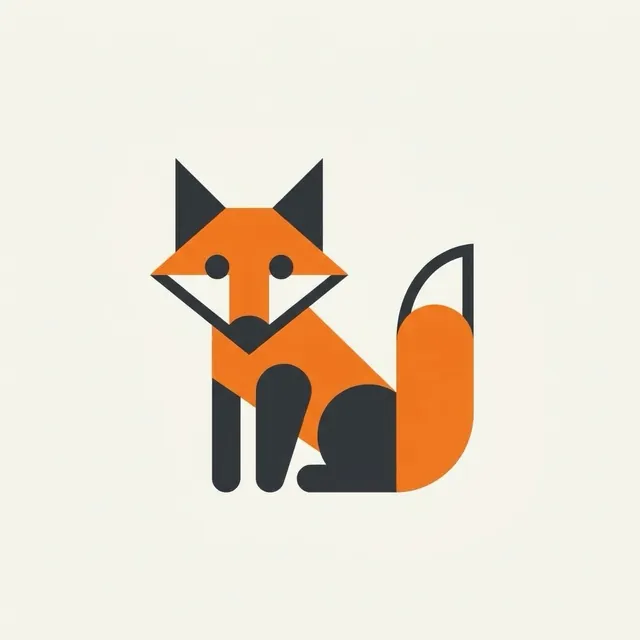
Fox logo
Made with Nano Banana
A minimal logo of a fox built from simple geometric shapes, orange and charcoal, flat vector style, centred on an off-white background
Open AI Artist on your iPhone and choose Image on the Home screen.
Pick Nano Banana. Its price is shown before you start.
Type what you want to see, in plain words.
Tap Create. Images usually arrive in seconds.
30 Gems per image, or 22 Gems with Pro. The app always shows the current price before you create.
No. A sentence is enough.
Yes, while you have Pro. Without Pro, what you make is for personal use only. Some model makers have their own rules, and those apply too. The Terms of Use have the details.
Not yet. AI Artist is an iPhone app, available on the App Store. A version that runs in your web browser is being built.
AI Artist is available for iPhone on the App Store.