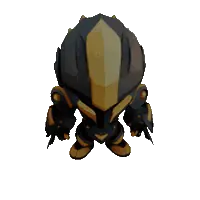
Standard
- Starts from
- A photo
- Price
- 31 Gems (23 Gems with Pro)
To turn a photo into a 3D model on iPhone, open AI Artist, choose 3D and add a picture of one object or character. The app builds it in 3D, and you can then spin it, restyle it and save it as a GLB file.
Last modified: · Models and prices as in the app on

Open AI Artist on your iPhone, choose 3D on the Home screen, and pick a model that starts from a photo.
Add a photo of one object or character.
Tap Create.
Turn the model with your finger, change its materials, lighting and background, then save or share it.
A GLB file, a standard 3D format that 3D viewers, game engines and many design tools can open.
No. 3D models are never watermarked.
Each model's price is shown beside it on this page, and in the app before you create. Premium models cost Gems per creation, and Pro members pay less for them.
Not yet. AI Artist is an iPhone app, available on the App Store. A version that runs in your web browser is being built.
AI Artist is available for iPhone on the App Store.